Share on your terms.
Choose public or private links. Set an expiry, or revoke access when you’re done.
Share proposals, reports and interactive pages with people outside your AI workspace.
Your client opens a link. They can explore the work without an AI account or a place on your team.
Invite feedback, make the next revision, and keep the same link.
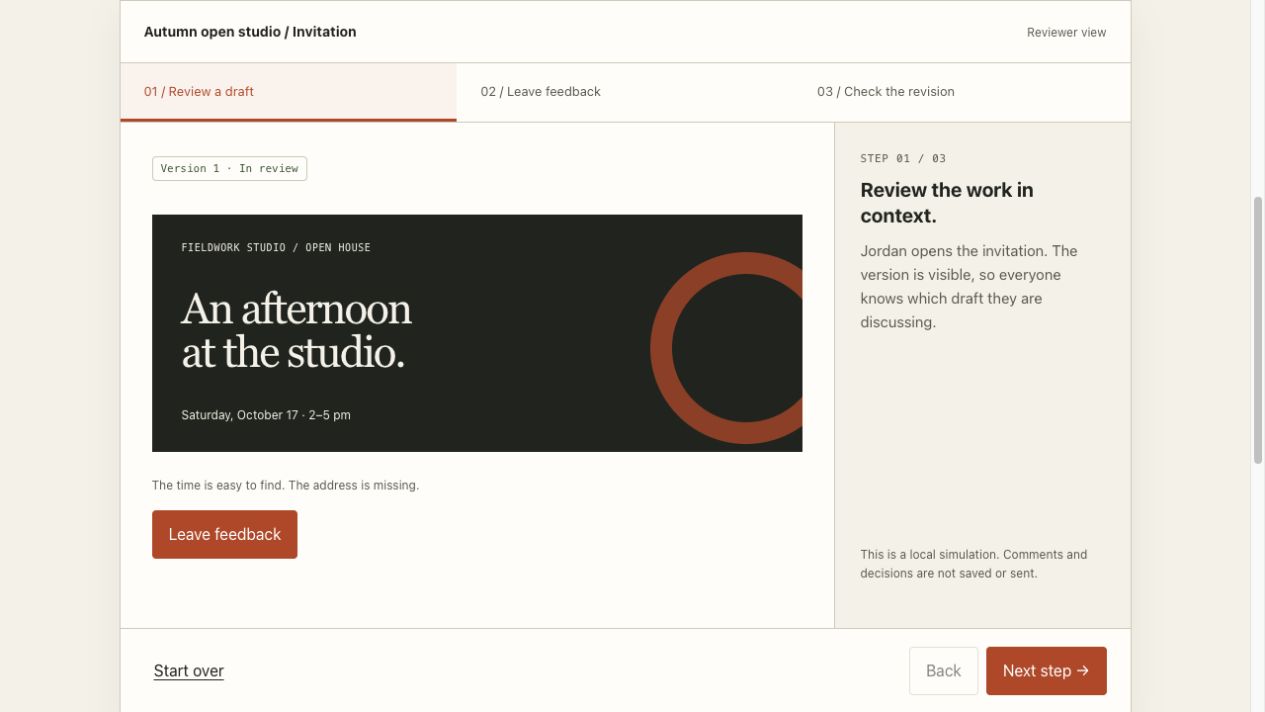 Try it out
Choose public or private links. Set an expiry, or revoke access when you’re done.
Give reviewers commenting access. Your agent can read their feedback and help revise the work.
Track opens by named link, document version and approximate location.
Three fictional examples.
Open one and explore.
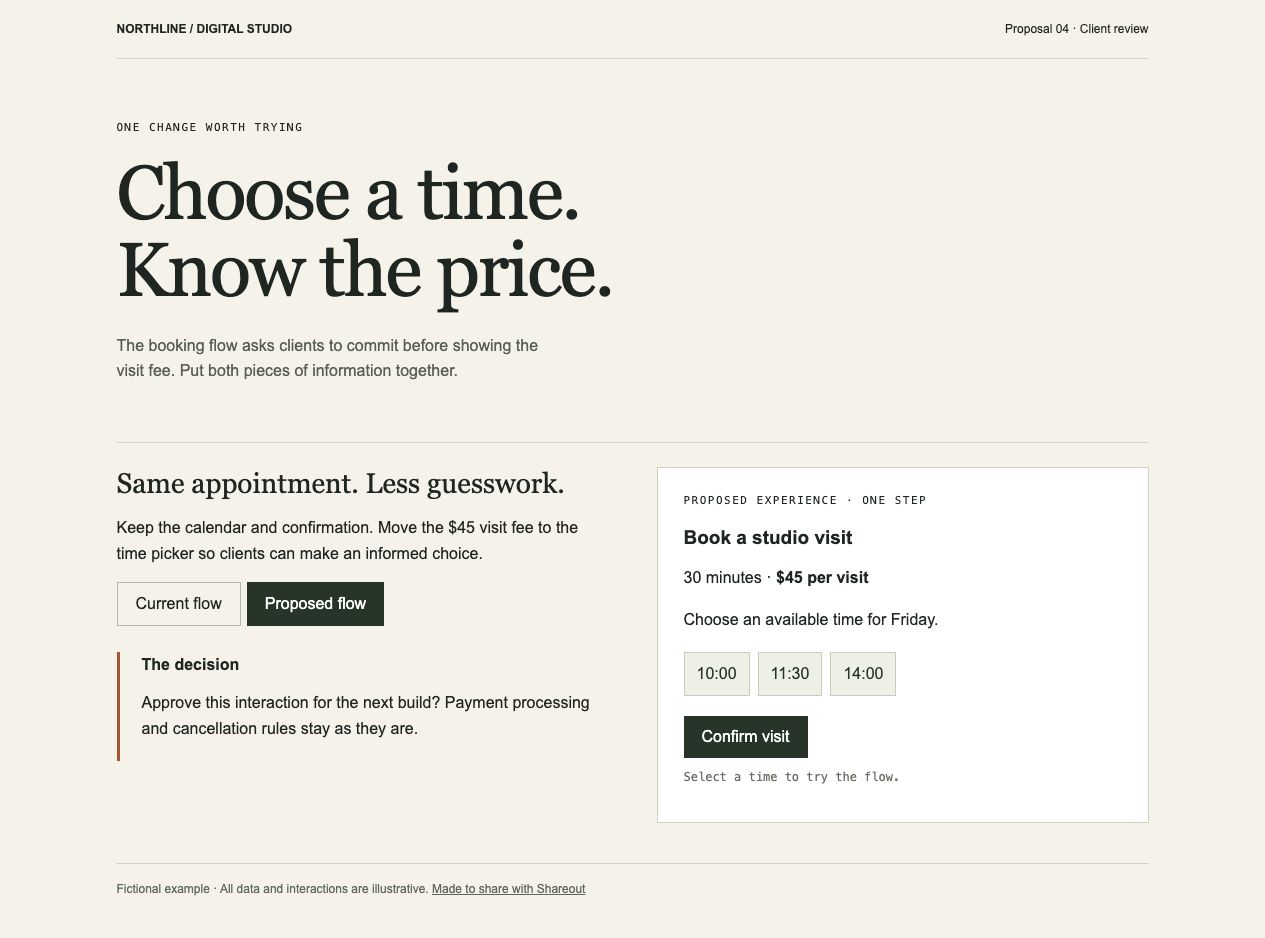
Compare the current experience with the proposed change.
Proposal template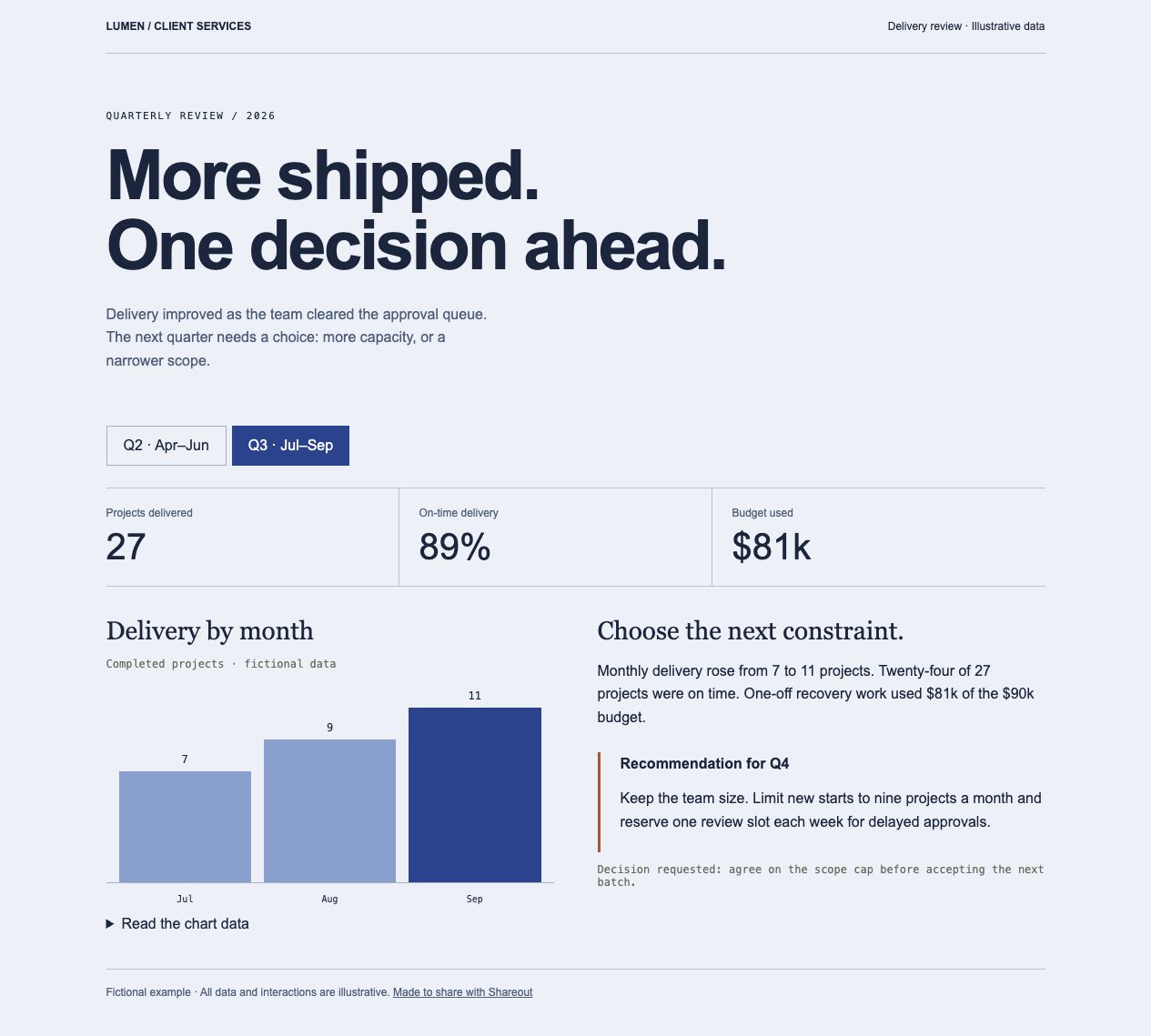
Explore the numbers and the decision they point to.
Report template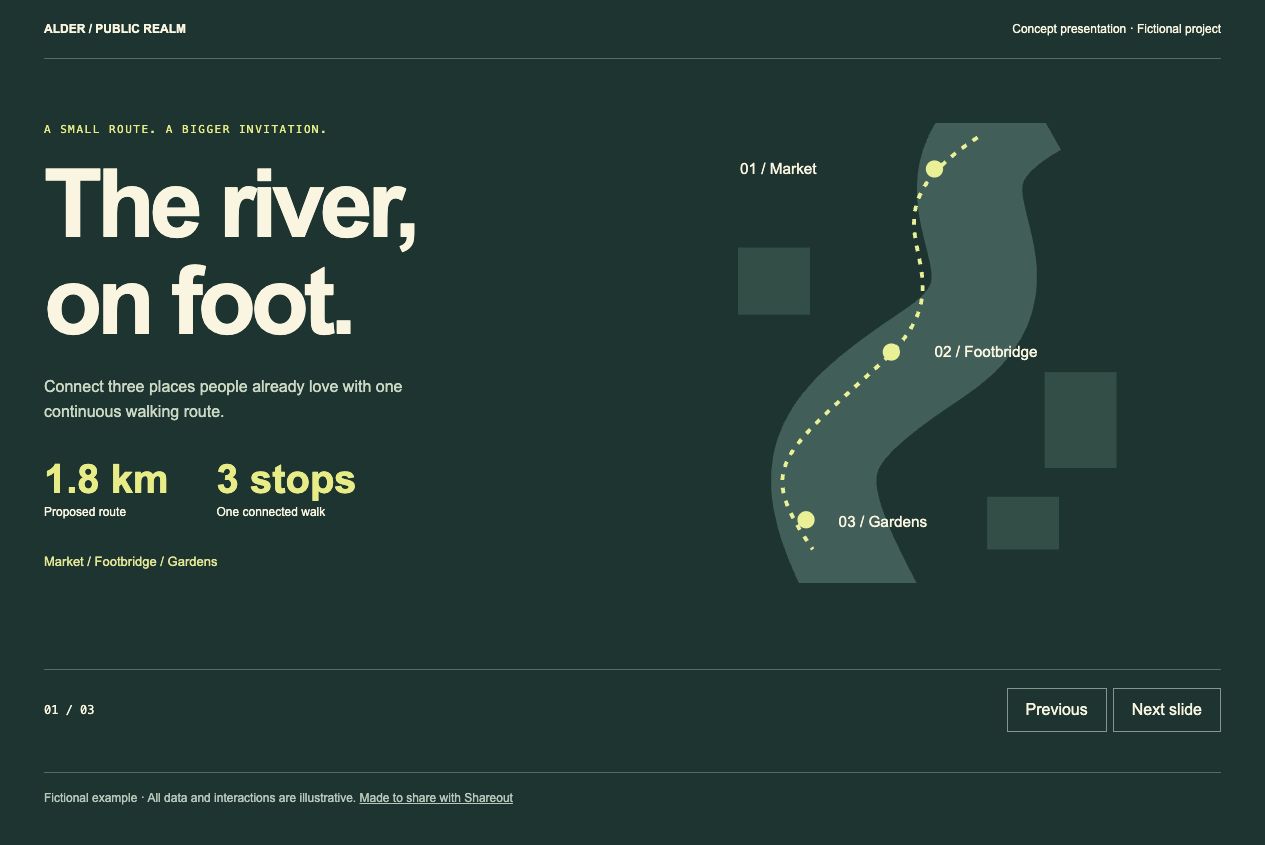
Make the case in a short visual story.
Presentation templateNeed a starting point? Browse the templates. Each includes a brief, a design and a working example for your agent to adapt.
Send it this prompt.
Sign in when it asks.